
Requesting Your EnterLynk LIMS Demo
- 2 hours ago
- 4 min read
Laboratory Information Management Systems (LIMS) have become essential tools for medical laboratories and testing facilities. They help streamline operations, improve data accuracy, and ensure compliance with regulatory standards. EnterLynk offers a user-friendly and highly compliant LIMS designed specifically for medical labs. If you want to see how EnterLynk can transform your lab’s workflow, requesting a demo is the best first step.
Why Choose EnterLynk LIMS Demo?
Seeing a product in action is the most effective way to understand its benefits. The EnterLynk LIMS demo provides a clear view of how the system works in real-world lab environments. It highlights features that improve efficiency, data security, and reporting accuracy.
During the demo, you will observe how EnterLynk handles sample tracking, test scheduling, and result management. The system’s intuitive interface reduces training time and minimizes user errors. You will also see how it supports compliance with medical regulations, which is critical for maintaining lab accreditation.
The demo allows you to ask questions specific to your lab’s needs. This personalized approach helps you evaluate whether EnterLynk fits your operational goals. It also demonstrates how the system can scale as your lab grows or changes.
What to Expect During the EnterLynk LIMS Demo
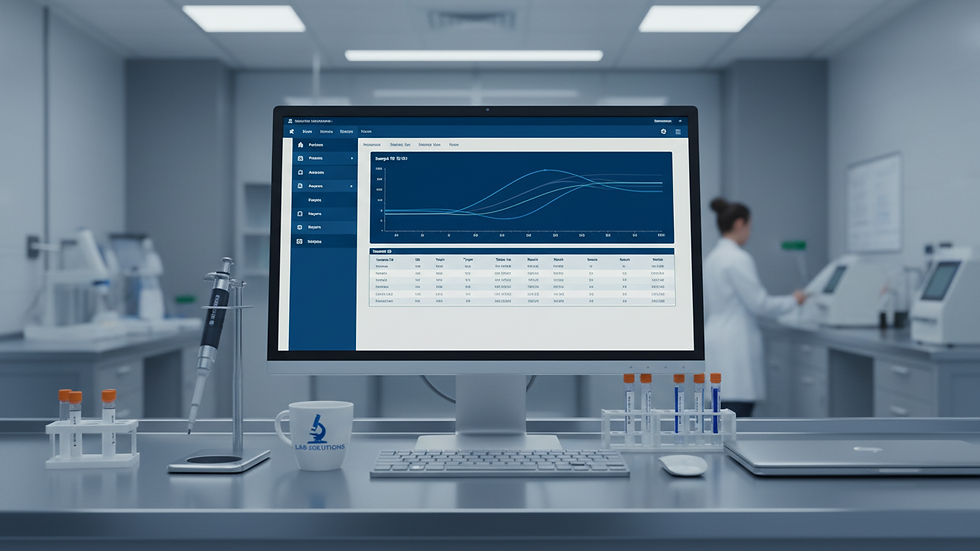
The EnterLynk LIMS demo is structured to cover all key aspects of the system. It usually starts with an overview of the dashboard and navigation tools. This helps you understand how to access different modules quickly.
Next, the demo focuses on sample management. You will see how samples are logged, tracked, and assigned to tests. The system’s barcode scanning feature reduces manual entry and errors. You will also learn about automated alerts that notify staff of pending tasks or delays.
Data management and reporting are critical parts of the demo. EnterLynk offers customizable reports that meet regulatory requirements and internal quality standards. The demo shows how to generate reports and export data securely.
Security features are also highlighted. EnterLynk uses role-based access control to protect sensitive information. The demo explains how user permissions are set and monitored.
Finally, the demo covers integration capabilities. EnterLynk can connect with other lab instruments and hospital information systems. This reduces duplicate data entry and improves workflow efficiency.
How to Set Up LIMS?
Setting up a LIMS like EnterLynk involves several important steps. First, you need to assess your lab’s current processes and identify areas for improvement. This helps tailor the system to your specific needs.
Next, data migration is planned. Existing sample records, test results, and patient information must be transferred securely. EnterLynk provides tools and support to ensure this process is smooth and error-free.
User training is a critical part of setup. Staff members learn how to use the system effectively through hands-on sessions and documentation. EnterLynk’s user-friendly design helps reduce the learning curve.
System configuration follows training. This includes setting up workflows, test parameters, and reporting templates. EnterLynk’s flexible architecture allows customization without complex coding.
Finally, the system undergoes validation to confirm it meets all regulatory and operational requirements. This step ensures the LIMS performs reliably before going live.

Benefits of Using EnterLynk LIMS
Using EnterLynk LIMS brings multiple benefits to medical laboratories. One major advantage is improved operational efficiency. Automating routine tasks frees up staff to focus on testing quality and patient care.
Data accuracy is another key benefit. EnterLynk reduces manual entry errors through barcode scanning and automated workflows. This leads to more reliable test results and fewer retests.
Compliance with regulations is simplified. EnterLynk maintains audit trails and supports electronic signatures, which are essential for accreditation. The system also helps labs prepare for inspections by generating required documentation quickly.
Security is enhanced with role-based access and encrypted data storage. This protects patient information and lab data from unauthorized access.
Finally, EnterLynk supports scalability. Whether your lab is small or expanding, the system adapts to changing needs without requiring major upgrades.
How to Request Your EnterLynk LIMS Demo
Requesting a demo is straightforward. You can visit the EnterLynk website and fill out a simple form to schedule a session. During the demo, a product specialist will guide you through the system and answer your questions.
If you want to explore EnterLynk’s capabilities firsthand, consider submitting an enterlynk lims demo request. This will connect you with the team and set up a time that fits your schedule.
Preparing a list of your lab’s specific challenges and goals before the demo can help make the session more productive. This way, the demonstration can focus on features that matter most to your operations.
Taking this step will give you a clear understanding of how EnterLynk can support your lab’s mission to deliver accurate, timely, and compliant testing services.
Moving Forward with EnterLynk LIMS
After the demo, you will have a better sense of how EnterLynk fits into your lab’s workflow. The next steps typically involve discussing pricing, implementation timelines, and support options.
EnterLynk aims to be a long-term partner for your lab. Their team provides ongoing assistance to ensure the system continues to meet your needs as regulations and technologies evolve.
Choosing the right LIMS is a critical decision. By requesting a demo, you take the first step toward a more efficient, secure, and compliant laboratory environment. EnterLynk’s focus on usability and compliance makes it a strong candidate for labs looking to improve their information management systems.


Comments